
Send professional emails in seconds
Reply to any thread with AI that understands the conversation — then edit tone, length, and wording before you hit send.
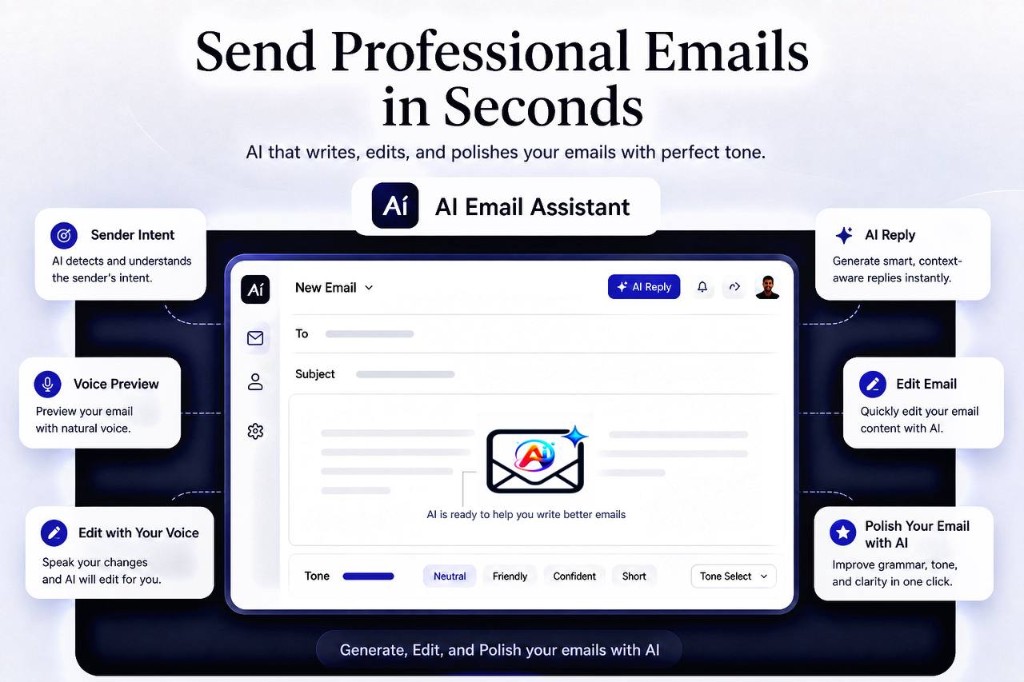
AI Email Assistance works in the new email composer and in reply. Draft a fresh message from a prompt or your voice, or open a thread and get a context-aware reply — then polish tone, language, and formatting before you send.

Reply to any thread with AI that understands the conversation — then edit tone, length, and wording before you hit send.
One assistant for both the compose window and every reply box in Gmail.
Open a thread, click once, and get replies that actually reference what the sender wrote.
In a new email, describe the message in a line or two and get a polished draft ready to edit and send.
Speak while composing or replying. Your words are transcribed, cleaned up, and formatted for you.
Draft new emails and translate replies in multiple languages so you can handle international threads confidently.
Set a reminder on a thread and get nudged if nobody replies by the time you picked.
Formatting, emoji, stickers, and themes — for both new messages and replies — so the final email looks the way you want.
Install from the Chrome Web Store. No setup wizard and no credit card for the free plan.
The assistant appears in the new email composer and in every reply box — right where you write.
Generate a new draft or a reply, adjust tone and wording, then insert it straight into your email.
Free to install. Upgrade only when you want more credits and Pro features.
Add to ChromeAI Email Assistance is a Chrome extension that connects to Gmail to help you compose new emails and reply to threads using artificial intelligence. It works in the new-message window and in reply composers, reading the current context in your Gmail interface to generate relevant drafts. No email content is stored on our servers.
By using this extension you agree to our Terms of Service. For information on how we handle your data, please read our Privacy Policy.